
Where can I find weather tiles?
- Use the 'Open Weather' custom tile
- Use a supported weather 'device'
- Use an image in a Media Tile
Custom Tile
The 'Open Weather' custom tile can display the current weather alongside a 6 day forecast. This uses data from Open Weather Map, so you'll need to register for free API Key to use it (details in the linked post).

See the community post for more details, including setup instructions:
Weather Device
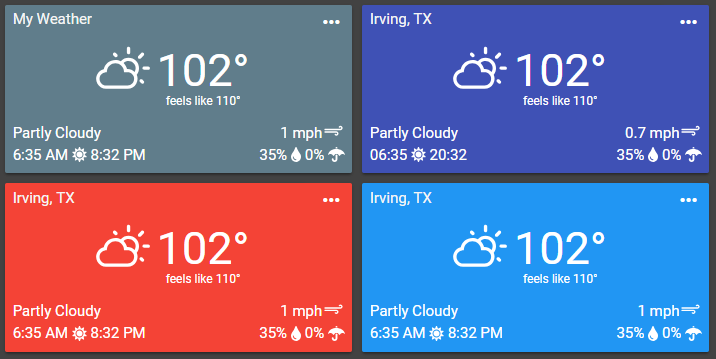
SmartThings
SmartThings has deprecated their SmartWeather Station Tile. The Open Weather approach method mentioned above is the best alternative for displaying weather in your dashboard. Otherwise, the Media Tile option mentioned below remains an option.
Hubitat
Historically, a modified version of Matthew's DarkSky.net weather driver was a popular choice for weather. Unfortunately, Dark Sky was acquired by Apple and has stopped issuing API Keys. If you already have a valid API Key, then it should continue working through 2022. Otherwise, you might try one of the many community developed drivers.
Home Assistant
The default weather forecast (met.no) from Home Assistant is supported as a weather card.
Media Tile
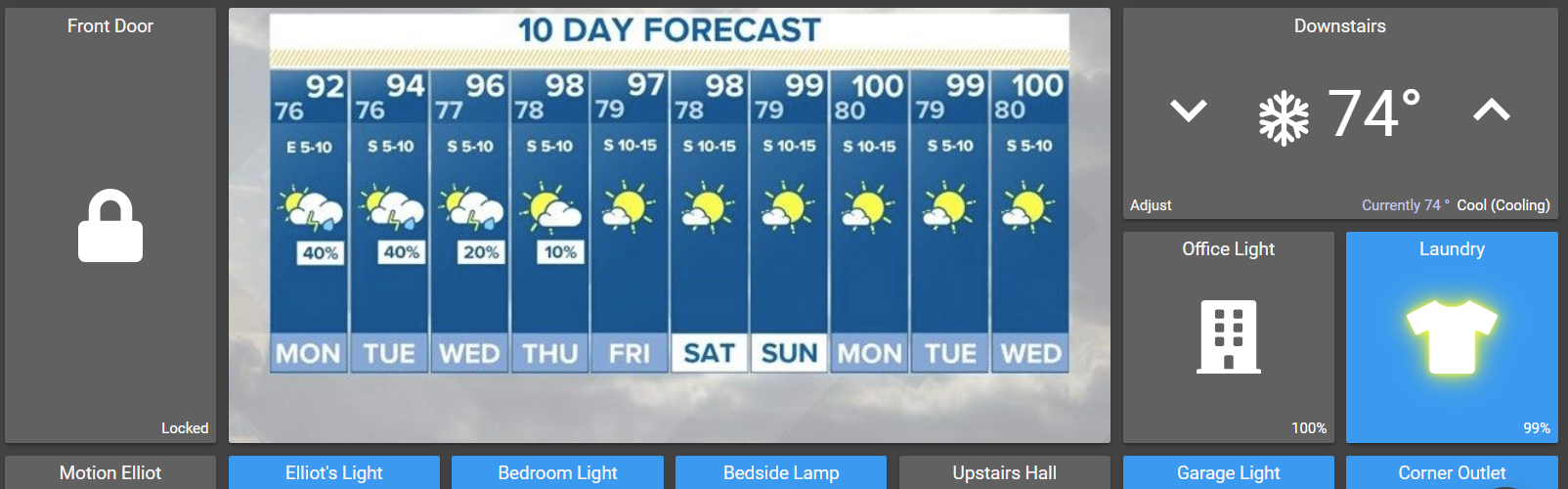
.png , .jpeg , .svg ). In Google Chrome, you can usually right-click on an image and choose 'Copy image address'. Alternatively, you can right-click and choose 'Inspect' which will bring up the source code for the page with the element holding the image highlighted - in this case, you are looking to see if there is an image available as a .png .jpg or other image type.
Having trouble finding a weather image? Try posting on the community!
Weather Widget
wttr.in supports generating an image, but it's more of a command-line look and the performance was hit-or-miss in our testing.
There's a great online tool for building a custom weather widget available at:
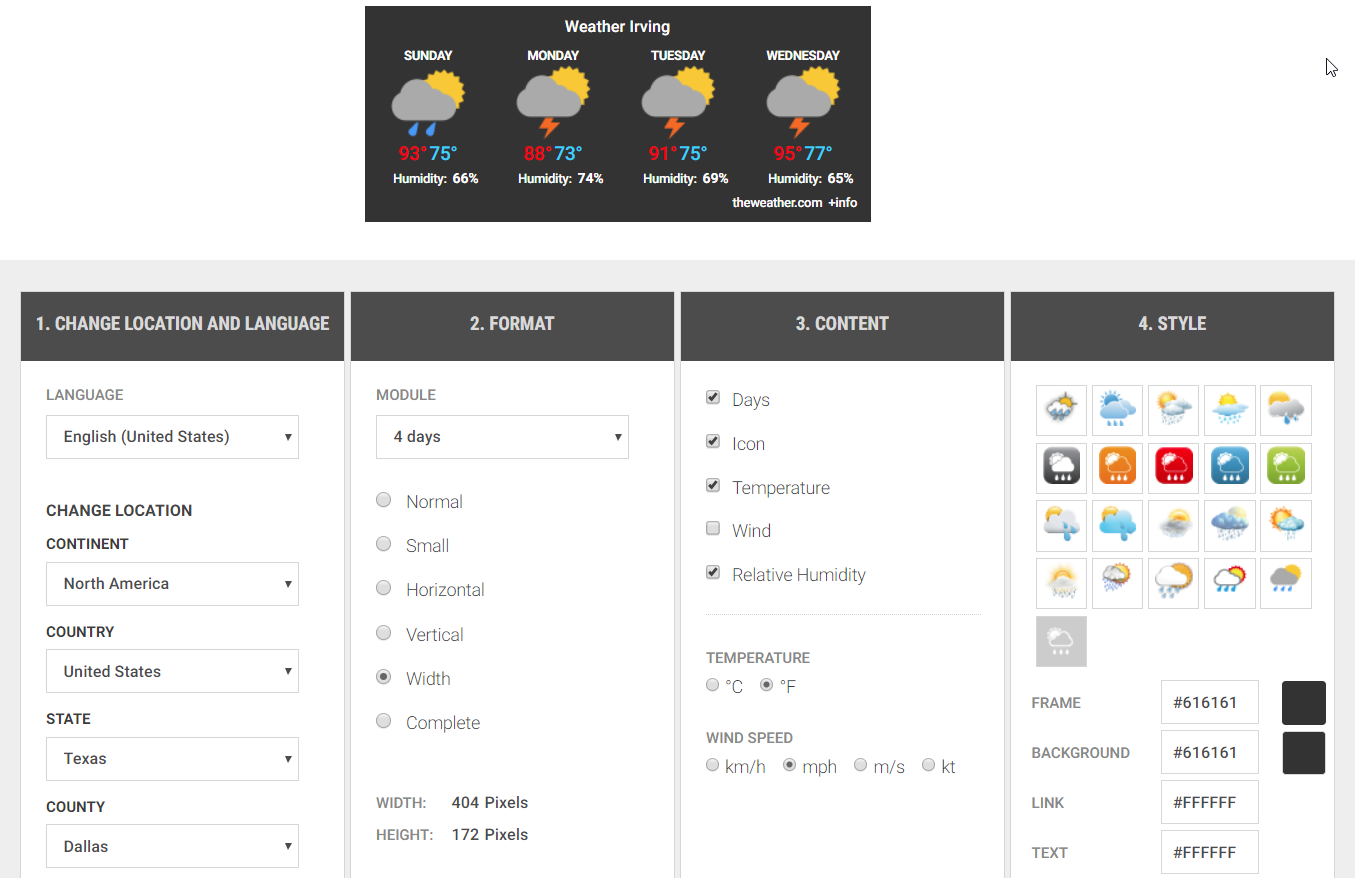
<img src="https://www.theweather.com/wimages/fotof0a9eeee73f3fc775cc86a08c4e01b01.png ">
https://www.theweather.com/wimages/foto97bd774cb64c2e033944cb57e3c37fab.png
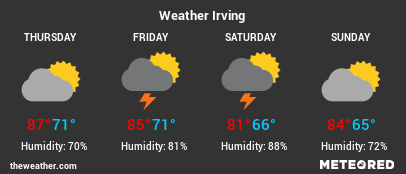
Full Local Example
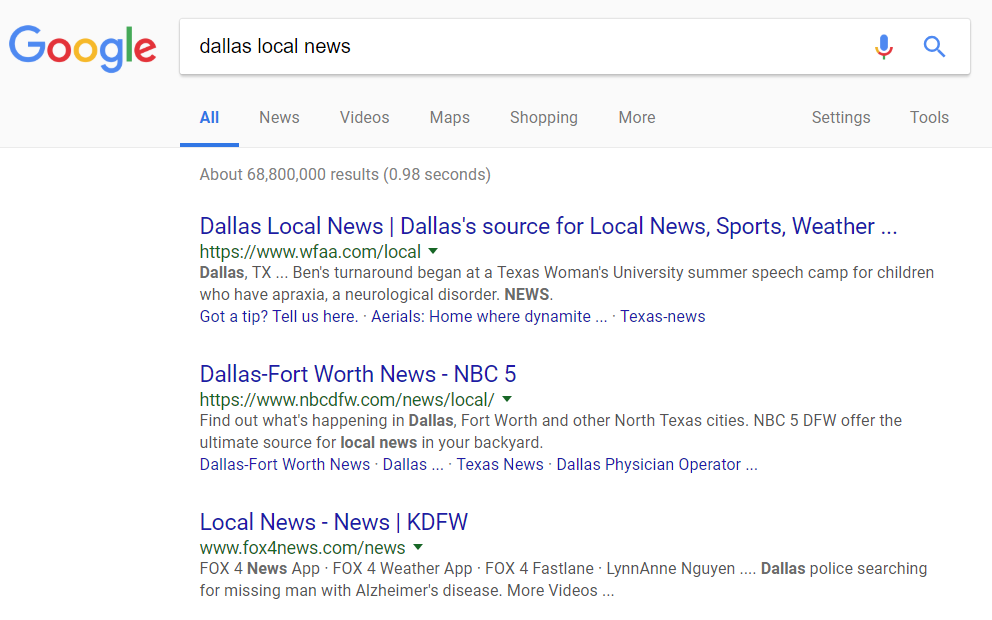
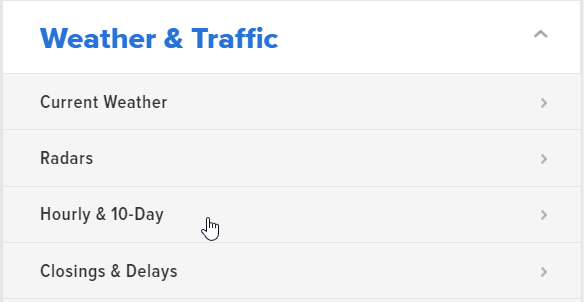
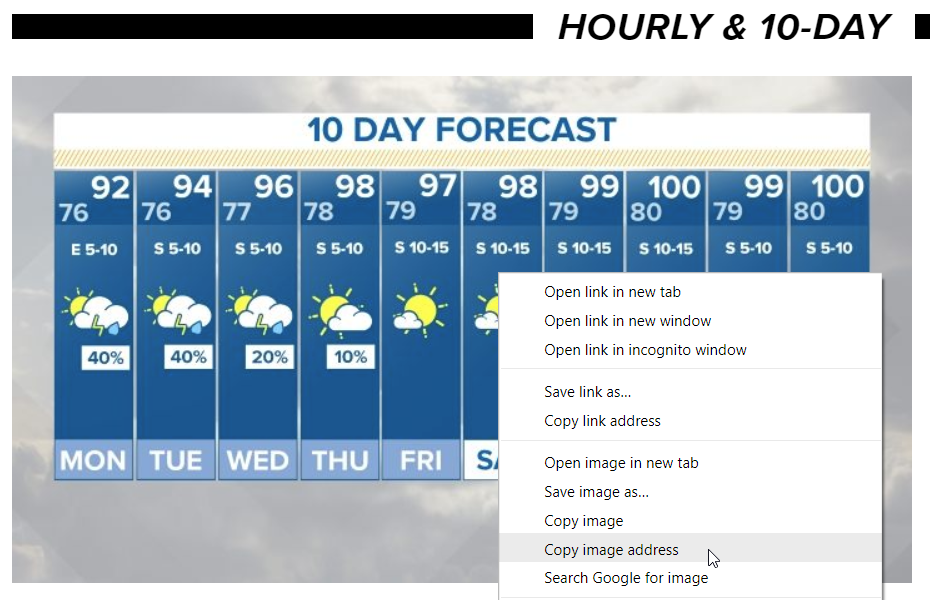
From there, you can navigate back to SharpTools.io and create a Media Tile with the copied URL:
